 14:03
14:03How To Create a Professional LinkedIn Profile

Desired Outcome
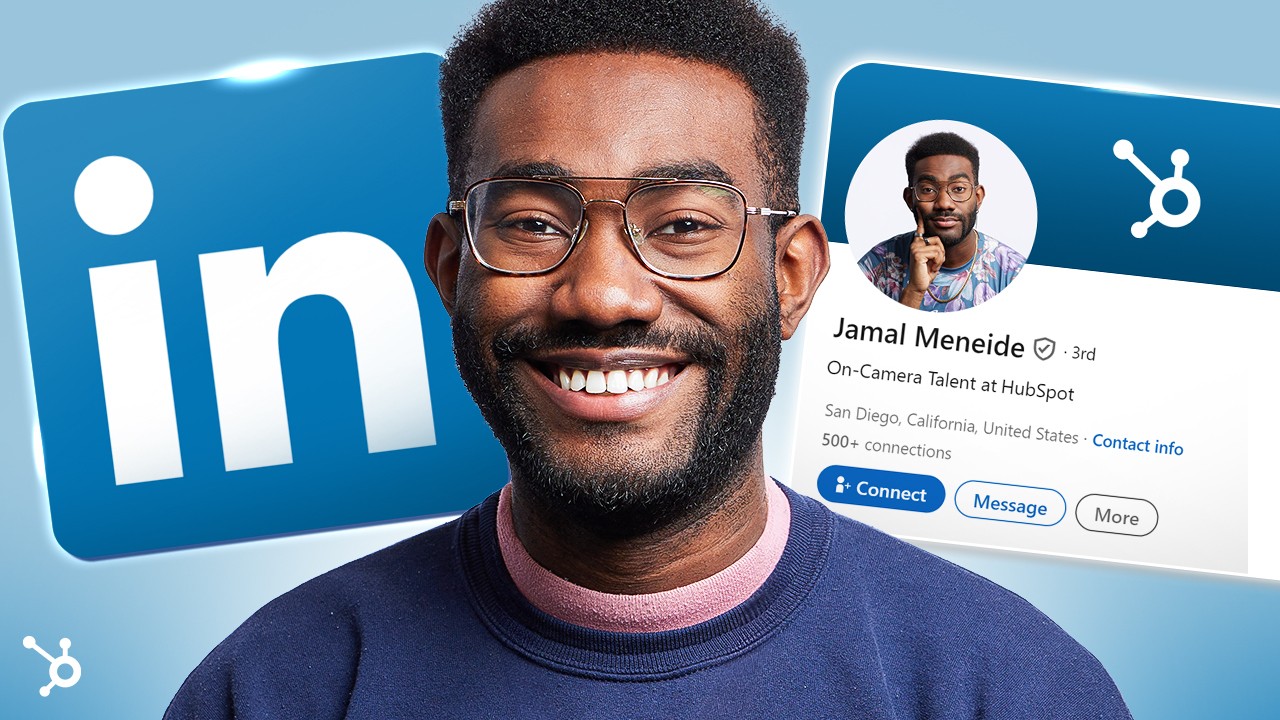
- The polished profile card is the after photo.
- It looks complete, credible and slightly better than yours, which is the point.
- The giant logo anchors the topic in a split second for anyone searching, so the click costs no thought at all.
Title
The title states the exact task the searcher typed.
Thumbnail
The thumbnail shows the finished profile next to the platform's logo.
For search-driven tutorials, show the finished result and the platform mark, nothing clever. Clarity wins here because the viewer already knows what they want. Save curiosity plays for browse traffic.
Ask your own AI chat for titles and thumbnail ideas for your video, using the psychology behind this one.
Search thumbnails confirm, browse thumbnails intrigue.
Turn this reference into your next thumbnail brief
Take what works here and give your designer a clear direction.
- 1 Start with your video idea
- 2 Define your title, promise and thumbnail
- 3 Share your finished brief with your designer