 8:22
8:22macOS Golden Gate – 22 Settings You Need to Change on Launch

Desired Outcome
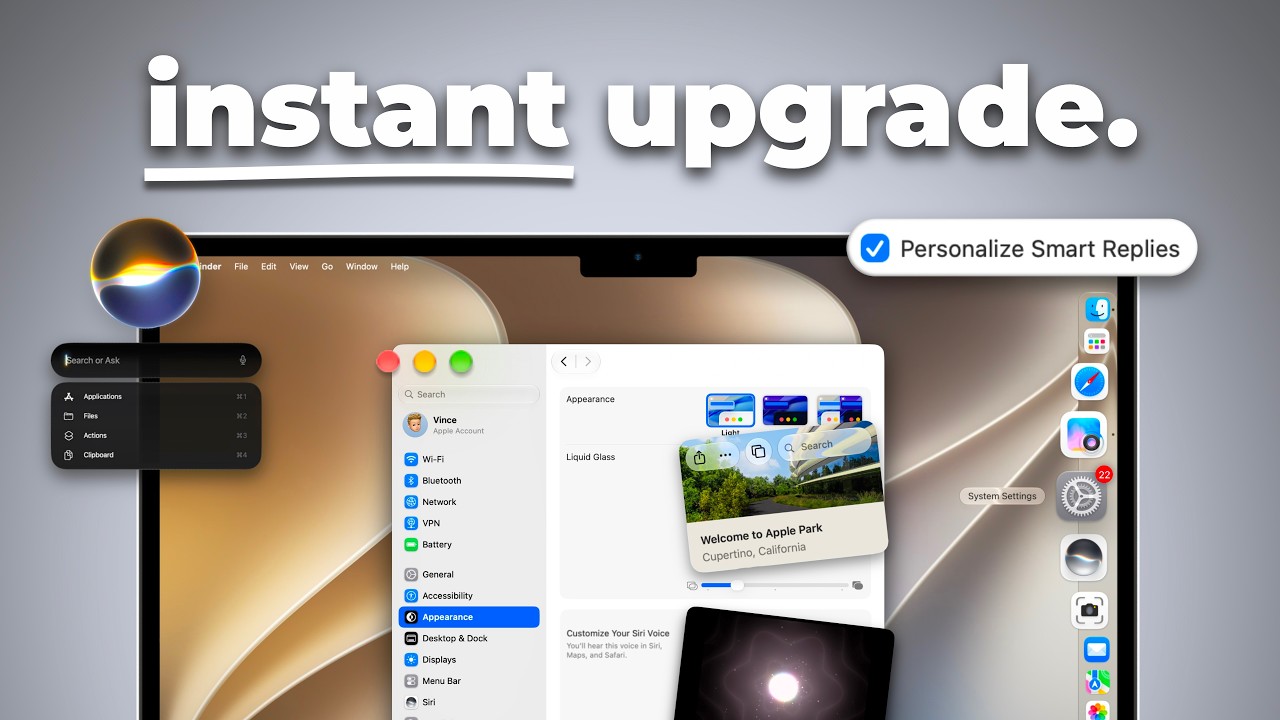
- Changing settings sounds like a chore. 'instant upgrade.' sells it as making your Mac feel better straight away, without buying anything.
- The title adds a count, 22, and a moment, launch day, when Mac fans are installing the new system anyway.
Title
'You Need to Change' makes it sound like the defaults are wrong for you, and 'on Launch' catches Mac fans in the week they're updating and exploring.
Thumbnail
The clean grey backdrop and full-stop headline look like Apple's own adverts, and the fresh-looking settings screen tells Mac fans this is the new system.
When your tips are small tweaks people see as chores, sell the result as an upgrade in the thumbnail. Keep the count and the timing in the title, and show the screen where the change happens.
Ask your own AI chat for titles and thumbnail ideas for your video, using the psychology behind this one.
Sell the chore as an upgrade they get for free.
Turn this reference into your next thumbnail brief
Take what works here and give your designer a clear direction.
- 1 Start with your video idea
- 2 Define your title, promise and thumbnail
- 3 Share your finished brief with your designer