 15:48
15:48Flawless 1-Min Skin Retouch Action in Photoshop!

Desired Outcome
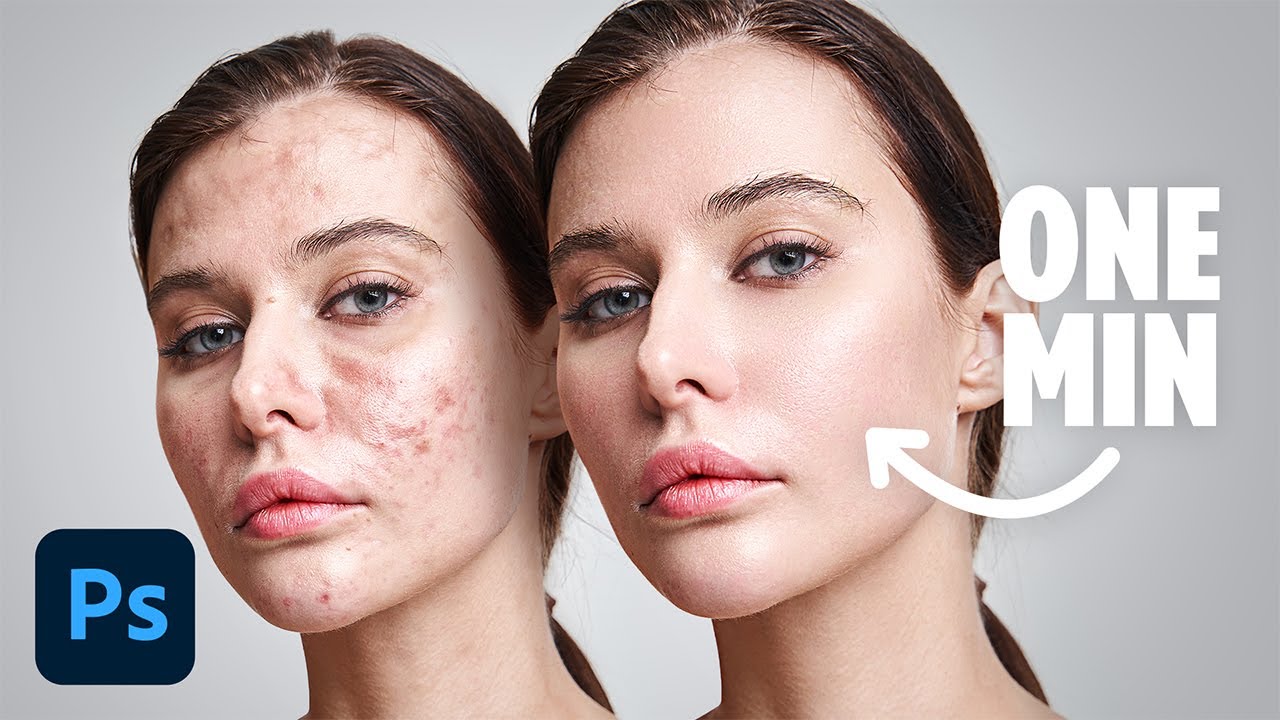
- Heavy acne on the left makes ONE MIN sound almost too fast for the clear skin on the right.
- Overlapping the clean face in front of the acne one reads as a single face being cleared.
- The arrow pins ONE MIN to the result.
Title
Action tells Photoshop users it's a recorded shortcut they can run on any portrait, so the minute applies every time, not just once.
Thumbnail
ONE MIN repeats the title's time, but placed on open gray background beside the cleared cheek it reads as how long that result took.
When your shortcut fixes a problem that usually takes forever, show the problem at its worst and the fixed version overlapping it. Put the time on open background with an arrow to the result.
Ask your own AI chat for titles and thumbnail ideas for your video, using the psychology behind this one.
Pair the worst case of the problem with a tiny fix time, so the speed feels almost unbelievable.
Turn this reference into your next thumbnail brief
Take what works here and give your designer a clear direction.
- 1 Start with your video idea
- 2 Define your title, promise and thumbnail
- 3 Share your finished brief with your designer